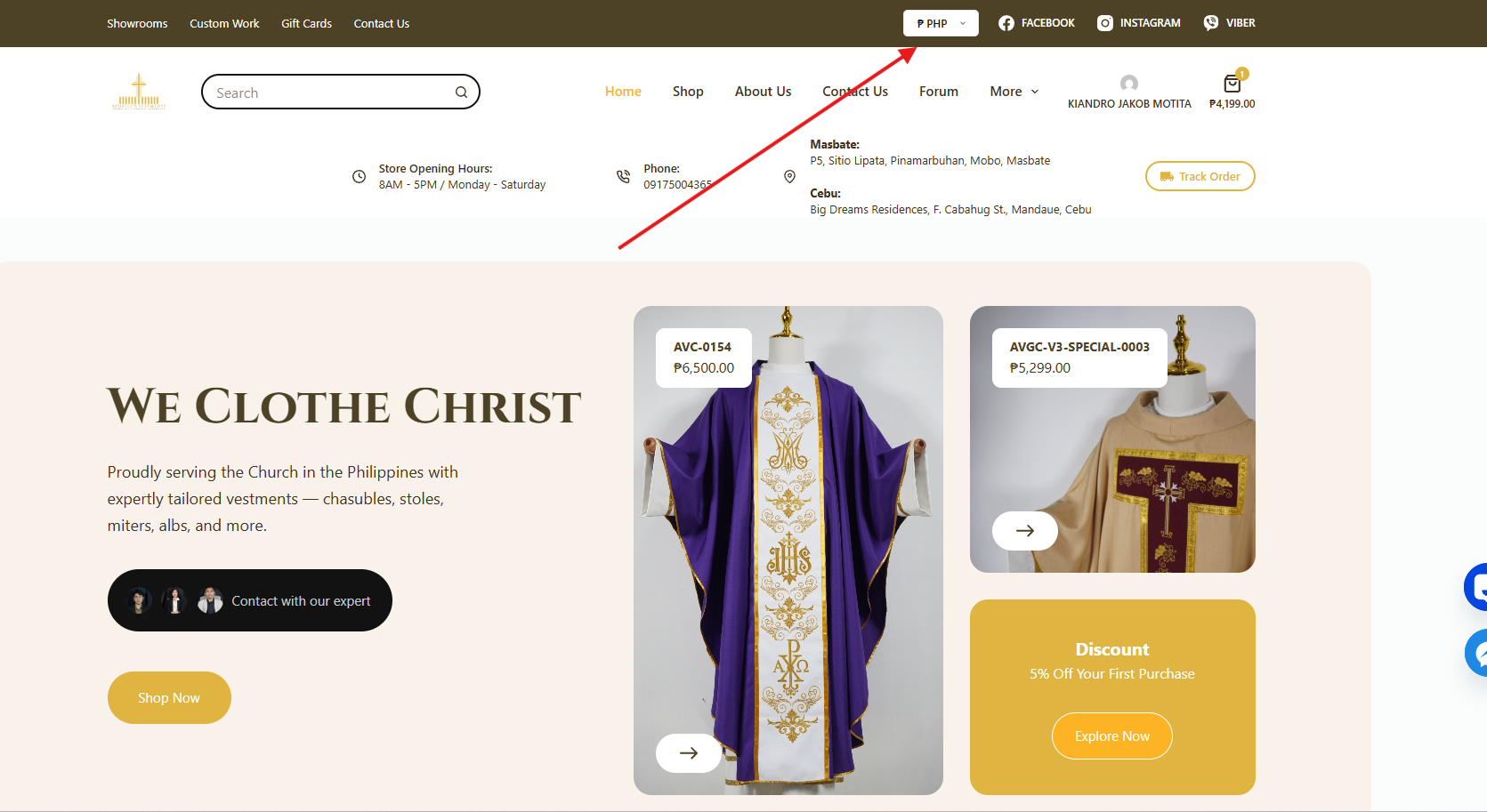
Step 1 Select your preferred currency (PHP or USD).
Choose the currency you want to use before browsing the products.
You can see it on the upper right corner of your screen
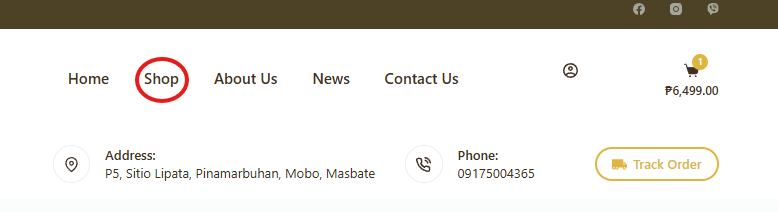
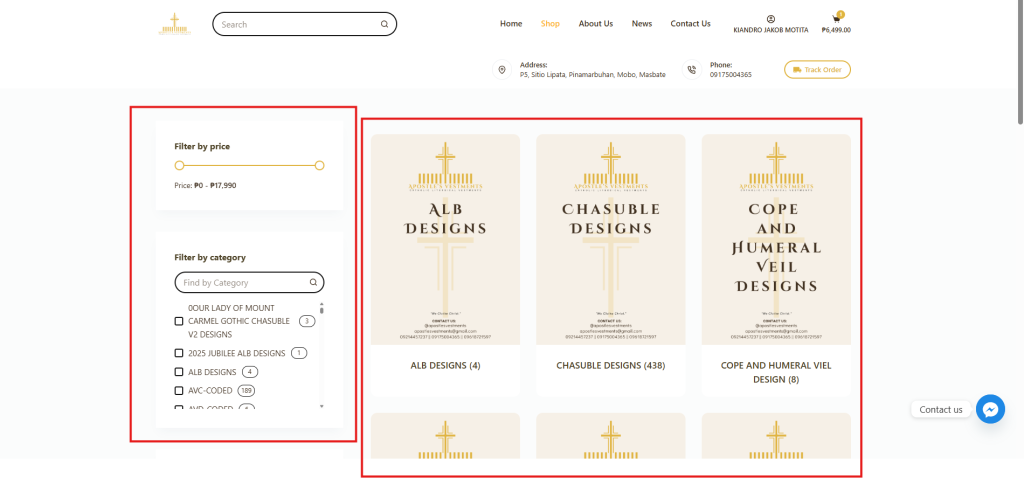
Step 2 Click Shop to Browse our available Products
1 on the left side of the screen, you will see the Categories, which you can use to filter the products.
2 at the top of the category list, you will also see the Price Filter, which helps you choose products within your budget.
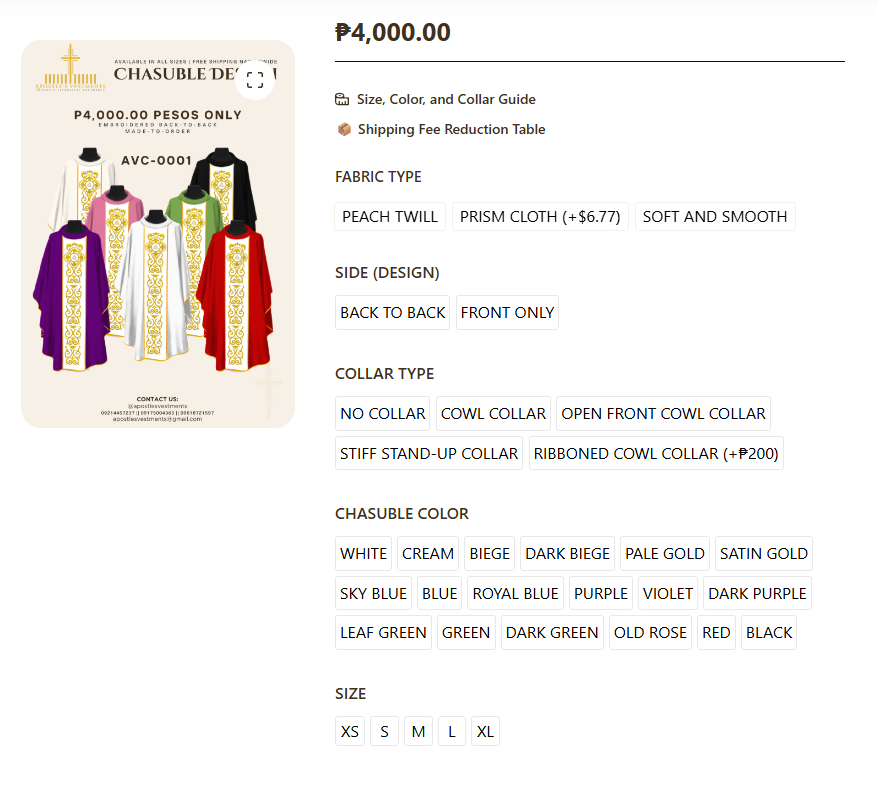
Step 3 After selecting a product, you will see the available variations.
1 choose your preferred options such as fabric, collar, color, or size.
2 the variations may differ depending on the product you select.
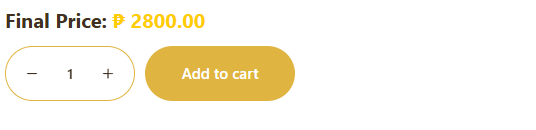
Step 3 Click Add to Cart.
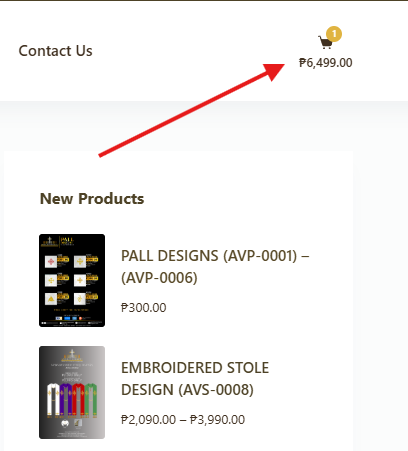
Step 4 Click the cart icon at the upper right side of your screen.
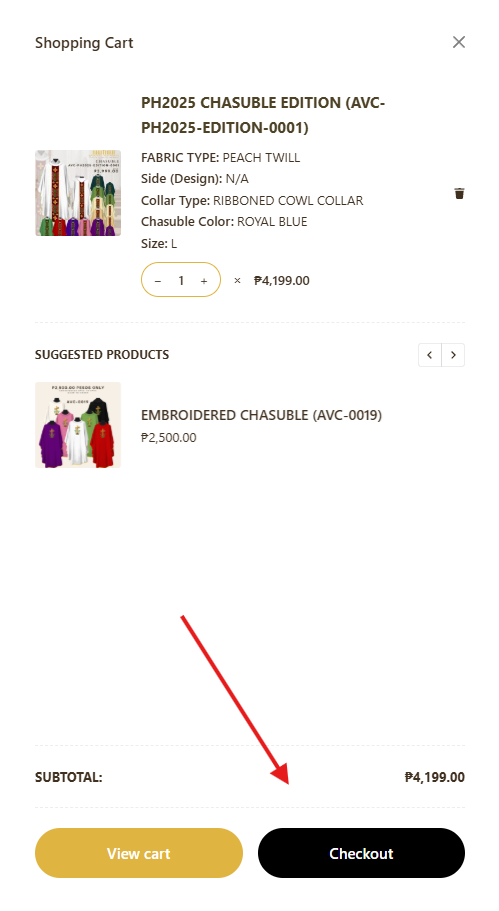
Review your order and then click Checkout.
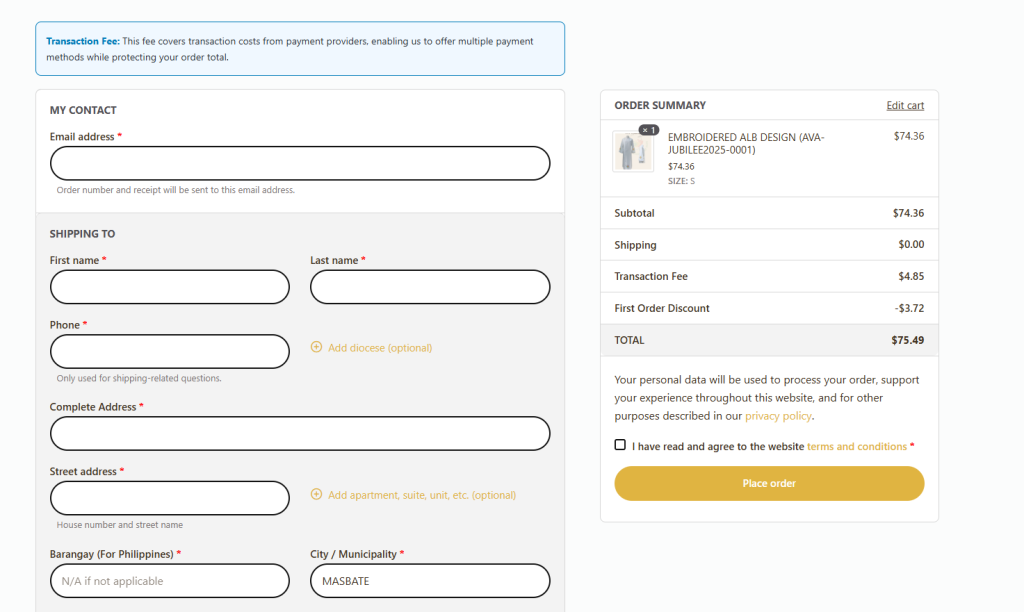
Step 5 After clicking Checkout, you will be redirected to a page where you can fill in your contact and shipping information.
1 please remember to read the terms and conditions. At the bottom of the page, choose your preferred payment method.
2 free Shipping is only offered in the Philippines and any International rates apply at checkout
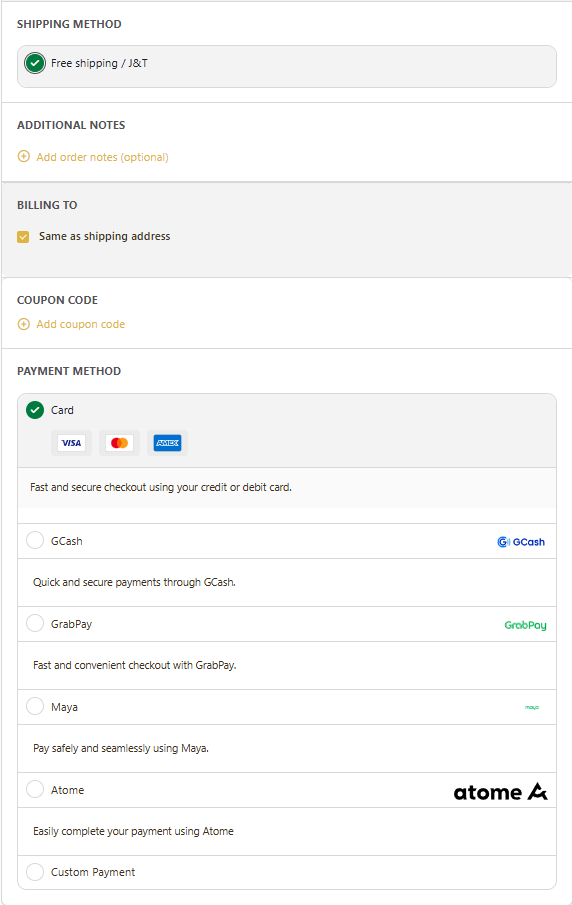
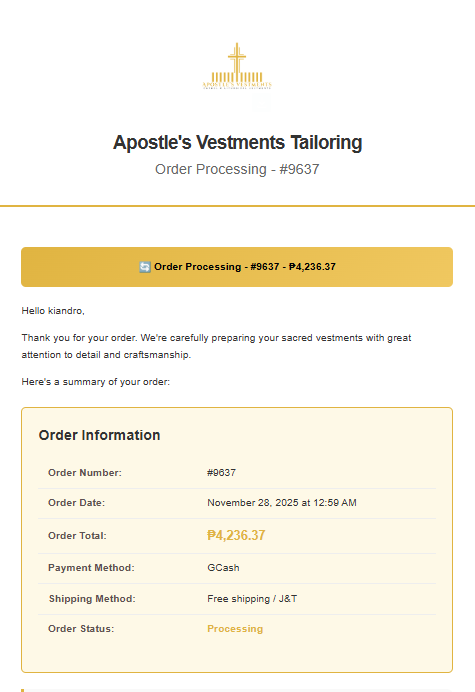
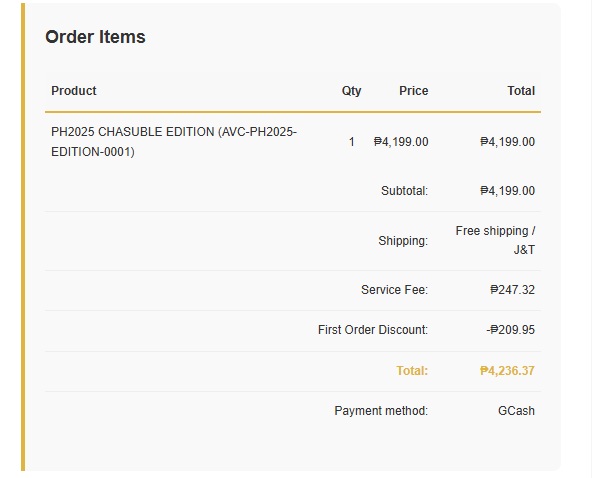
Step 6 Once your payment is finalized, you will receive an email confirmation with your order details.
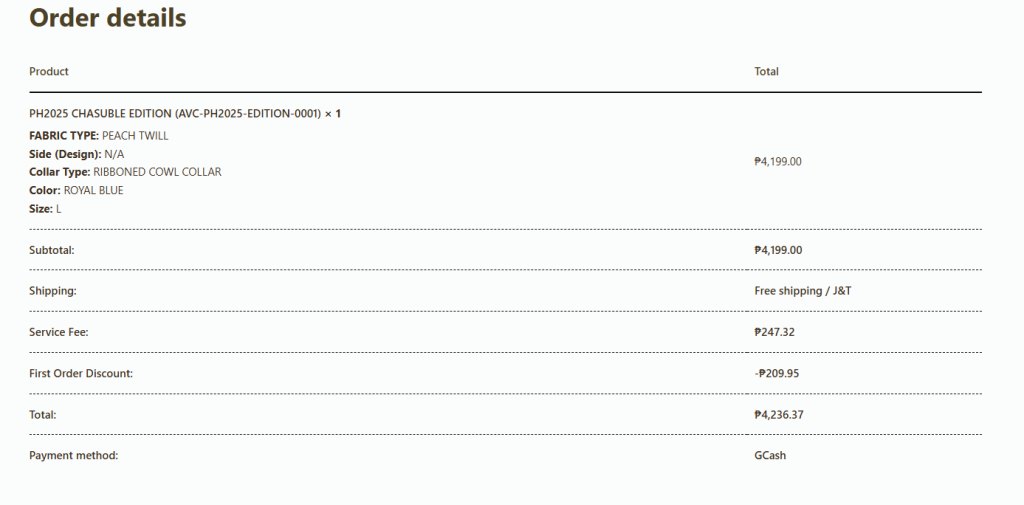
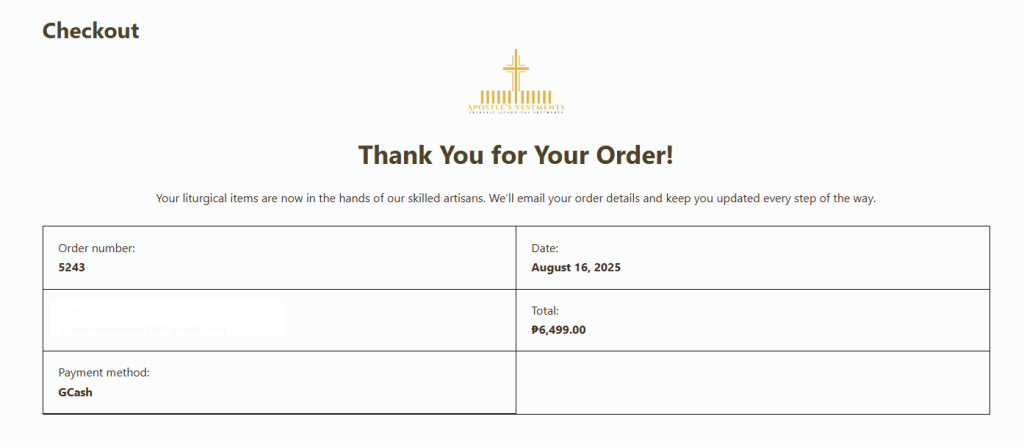
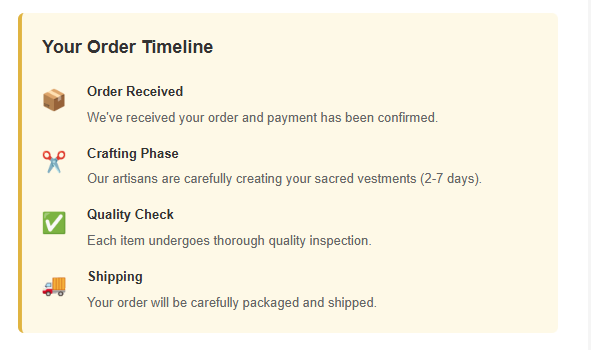
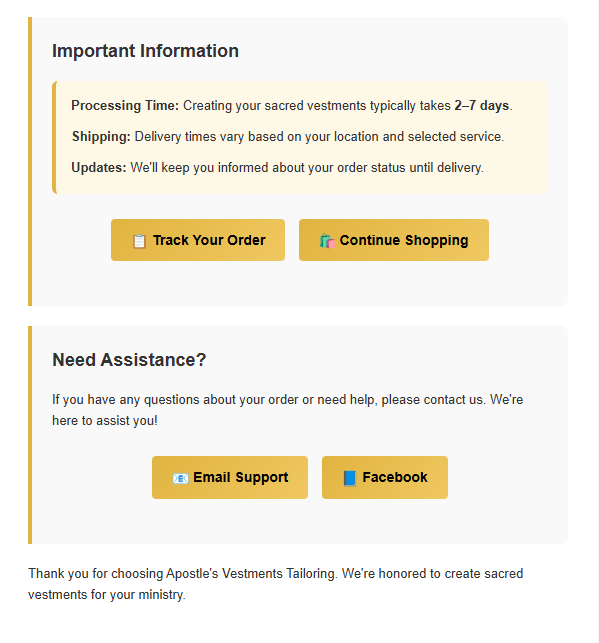
Step 7 You will receive an email confirming your order. It will include your order information, items, billing address, shipping address, order timeline, and other important details.